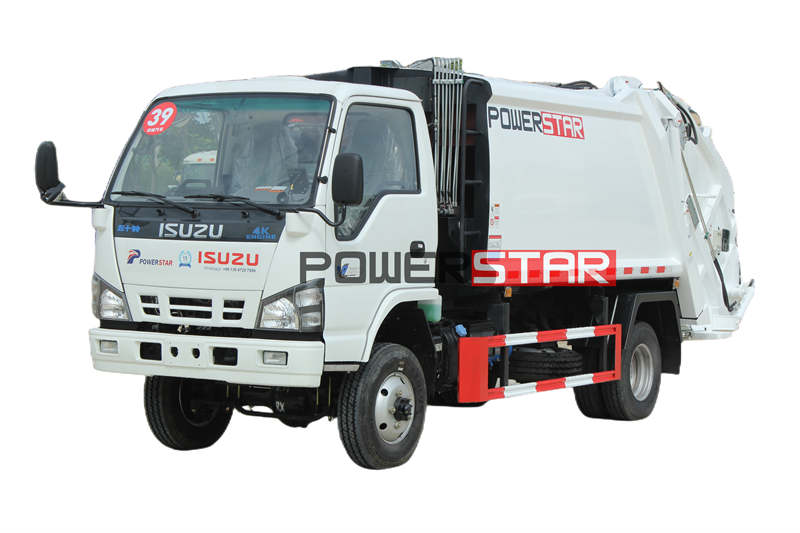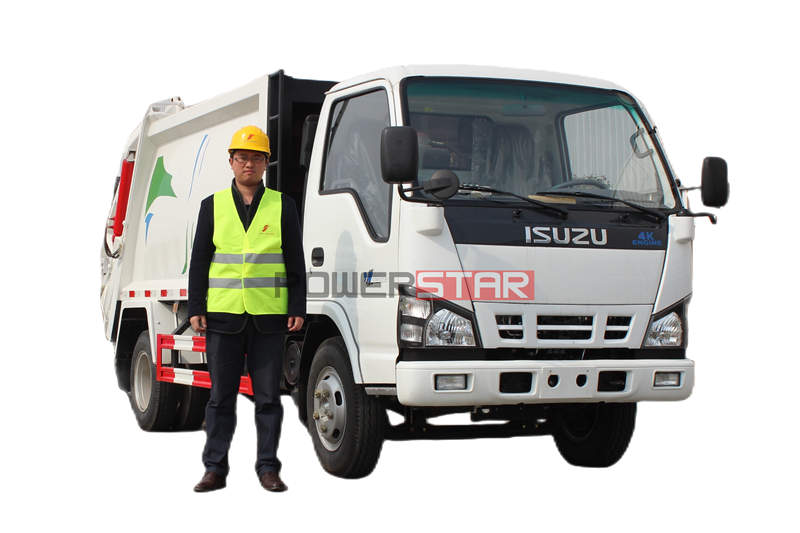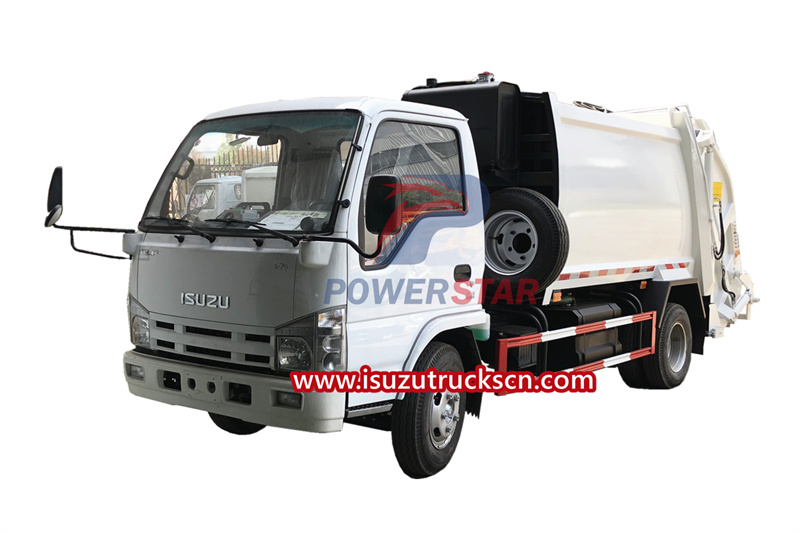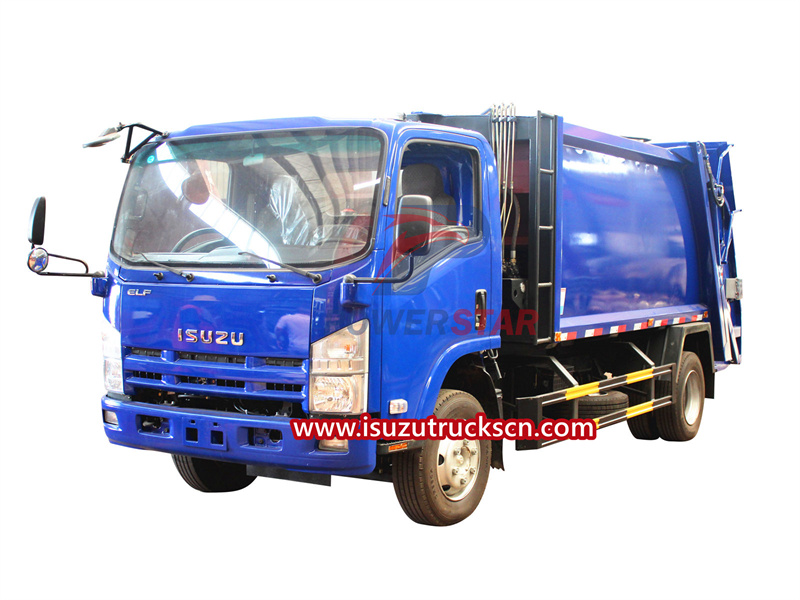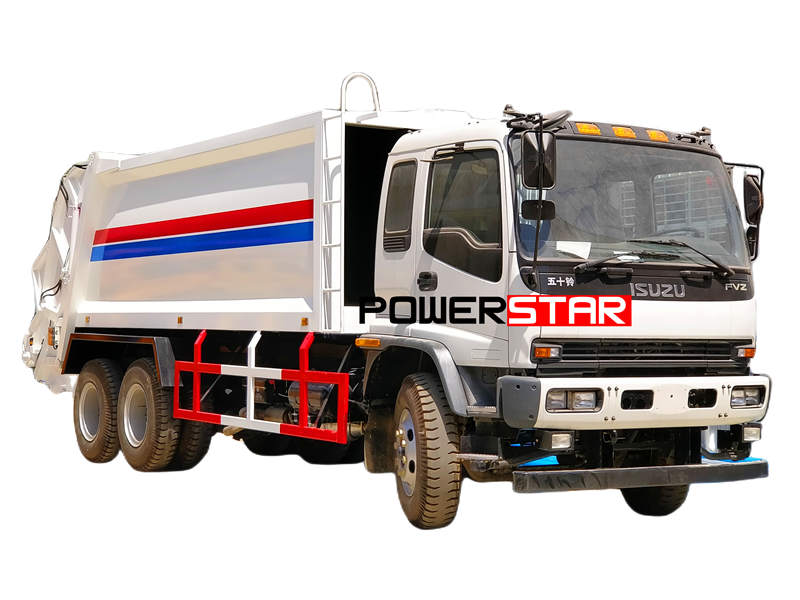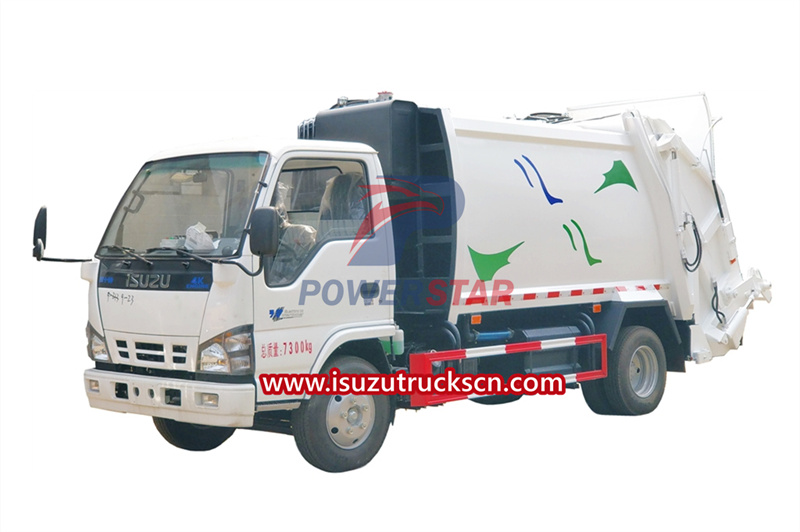
The Isuzu 100P garbage compactor truck is an efficient and reliable waste management solution. This Isuzu refuse compact truck is designed specifically for collecting and compacting garbage, ensuring a clean and organized environment. Equipped with a powerful Isuzu engine, this Isuzu 100P garbage compactor truck offers superior performance and fuel efficiency. With a maximum loading capacity of 5 tons, it can effectively handle a large volume of waste. The compactor mechanism efficiently compresses the garbage, reducing its volume by up to 80%. The compact size of the Isuzu 100P garbage compactor truck enables it to navigate narrow streets and congested urban areas effortlessly. Its maneuverability is further enhanced by the ergonomic design, making it easy to operate and handle. Isuzu 100P cabin refuse compactor truck with 3 yard capacity. Safety is a top priority in the design of this truck, with features such as an automatic brake system, anti-lock braking system, and advanced suspension ensuring stability and control while on the road. The ergonomic cabin is equipped with comfortable seating and modern amenities to provide a pleasant driving experience. Engine working approx. 2 minutes until Pressure Indicator point over 6.5*100Kpa, press the clutch pedal & hang on PTO, then slowly loosen the clutch pedal (Please press the clutch pedal and hang on PTO again if heard any noise), connect the power, and oil pump can start working. Figure 2、Cabin Main Control Box Please note this time the multi-way valve at middle position, and hydraulic system at unloading condition. 3Turn on the Main Control Box power switch, the power indicator light on and ready for working. Notice: The Main Control Box power switch should be OFF position when garbage compactor truck not working 2、 Loading Working Main Control Box LOAD / UNLOAD Switch turn to UNLOAD, the unloading indicator light on 1Single Cycle Operate Rear Control Box at two sides of hopper (Figure 3), Press Single Cycle Button, and then garbage compactor truck into single cycle working mode 2Continuous Cycle Operate Rear Control Box at two sides of hopper (Figure 3), Press Continuous Cycle Button, and then garbage compactor truck into continuous cycle working mode 3Continuous Cycle Stop Operate Rear Control Box at two sides of hopper (Figure 3), Press Continuous Cycle Stop Button, and then garbage compactor truck continuous cycle working stopped 4Emergency Stop When emergency situation, operate Rear Control Box at two sides of hopper (Figure 3), Press Emergency Stop Button, and then garbage compactor truck all working stopped. The Main Control Box power switch should be OFF position when garbage compactor truck not working Notice:...
View More