As a professional garbage collection and transfer vehicle, the Isuzu Giga 6x4 20 cubic compression garbage truck is designed to be flexible and efficient in its operation and control mode to adapt to different working environments and operating requirements. It can be remotely controlled through the electric operation box in the cab, or it can be operated at close range through the hydraulic operating lever on the driver's side, the electric control box on the left side of the tailgate, and the manual operating lever on the right side of the tailgate, meeting the operating requirements in different scenarios.

● Electric operation box (in the cab): Located in the cab, it integrates the control buttons for the power take-off switch, garbage loading mode, unloading mode, filler lifting, push shovel push-out retraction, tailgate cleaning and other functions. The driver can remotely control the garbage bin by operating these buttons, which greatly improves the convenience and safety of the operation.
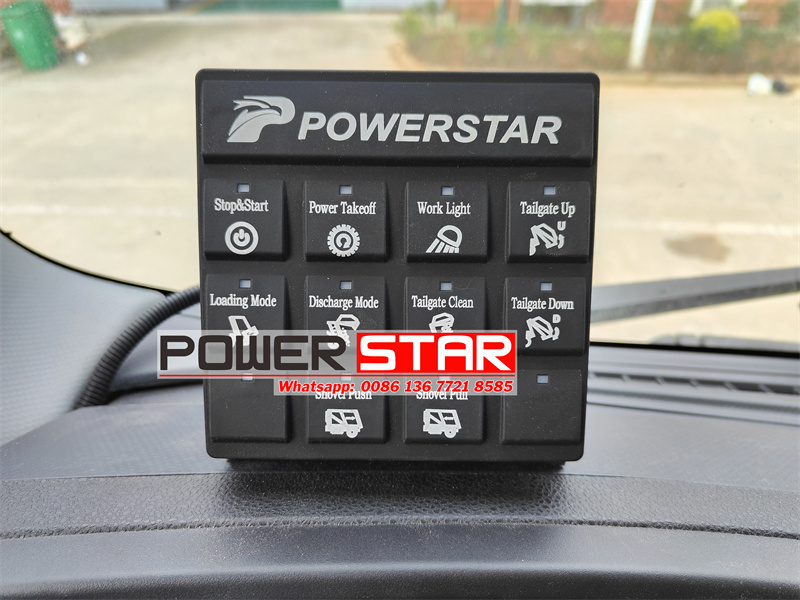
|
Number |
Button Icon |
Button Name |
Function Description |
|
1 |
|
Stop & Start |
Press this button, the panel power is turned on, and the button indicator turns green. |
|
2 |
|
PTO |
Power take-off switch button, not activated yet |
|
3 |
|
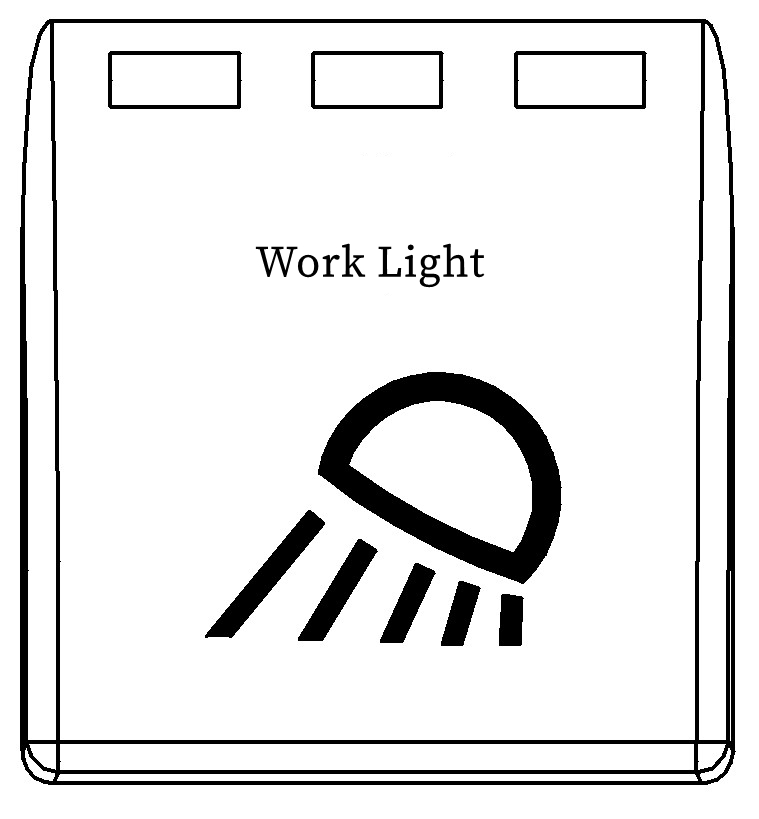
Work Light |
Press this button,the rear tailgate working light will light up. Press it again and the light will go out. |
|
4 |
|
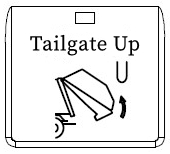
Tailgate Up |
In unloading mode, press this button and the tailgate starts to lift. Release this button and the loader stops lifting. |
|
5 |
|
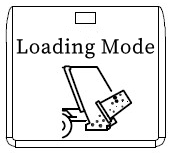
Loading Mode |
Press this button to switch to loading mode. You can control the loading operation button at the rear of the vehicle to perform loading operations. It is interlocked with "Discharge Mode" |
|
6 |
|
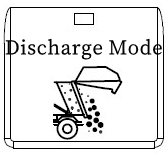
Discharge Mode |
Press this button to switch to Discharge mode. You can control the discharge operation button inside the cab to perform discharge operations. At the same time, the filling operation cannot work and is interlocked with "loading Mode". |
|
7 |
|
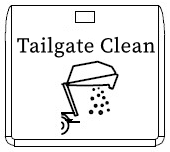
Tailgate Clean |
In the "Discharge" mode, press this button, and after discharge the garbage, the filling mechanism will perform a "one cycle" to clean the garbage inside the filler. |
|
8 |
|
Tailgate Down |
In discharge mode, press this button and the tailgate will start to descend. Release this button and the tailgate will stop descending. |
|
9 |
|
Shovel Push |
In the "Discharge" mode, press this button and the push shovel will start to push out. Release this button and the push shovel will stop pushing out. |
|
10 |
|
Shovel Pull |
In the "Discharge" mode, press this button and the shovel will start to retract. Release this button and the shovel will stop retracting. |
● Manual hydraulic operating lever (At driver's side): Located behind the driver's side, it is convenient for the driver to operate manually on the ground. By operating the hydraulic lever, the driver can flexibly control the lifting of the tailgate of the garbage bin and the movement of the push shovel to achieve instant compression of the garbage.
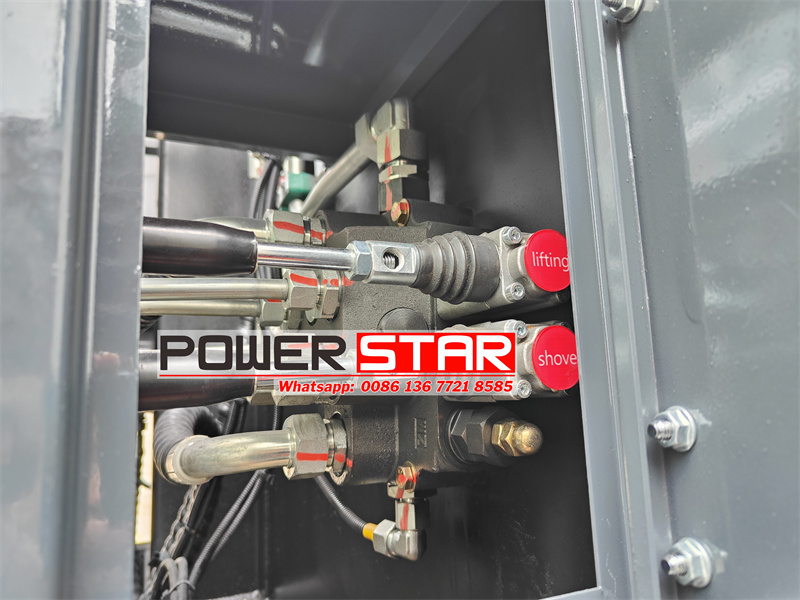
● Rear electric control box (At left side of tailgate): Installed on the left side of the tailgate, it is convenient for the operator to directly control the garbage bin at the rear of the vehicle. There are multiple control buttons in the electric control box to control the scraper rotation and pressing, the sliding plate up and down, single cycle, multiple cycle loading, manual/automatic operation mode, lifting mechanism lifting, stop button and other functions.
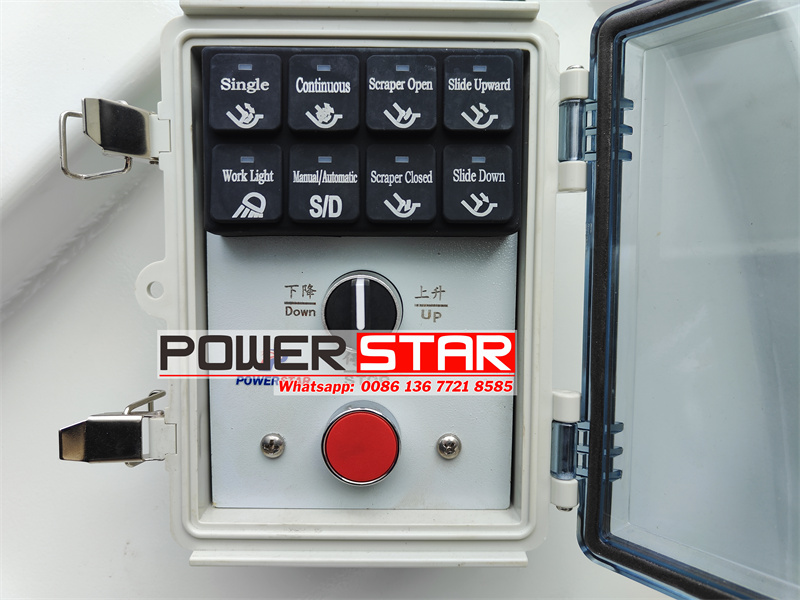
|
Number |
Button Icon |
Button Name |
Function Description |
|
1 |
|
Single cycle |
“Press this button in "Loading" and "Automatic" mode to execute a filling cycle: the scraper opens, the slide moves downward, the scraper closes, and the slide moves upward. |
|
2 |
|
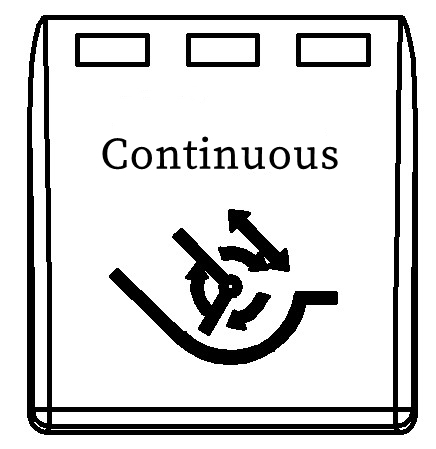
Continuous cycle |
"Loading" and "Automatic" modes Press this button, the filling mechanism will perform multiple "one cycle", press this button again, it will stop after completing this cycle, press the "Emergency Stop" button, it will stop immediately at the current position |
|
3 |
|
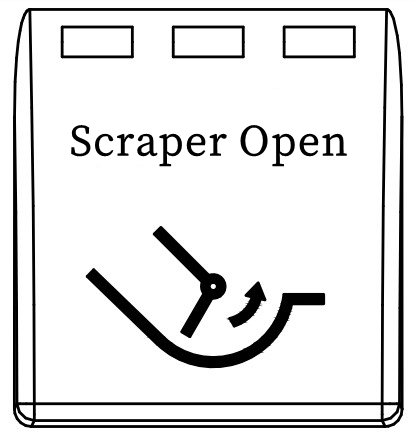
Scraper Open |
In "Loading" and "Manual" modes, press this button and the scraper will rotate. Release this button and the scraper will stop moving. |
|
4 |
|
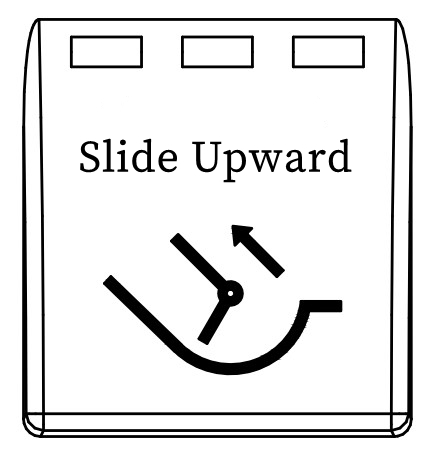
Slide Upward |
In "Loading" and "Manual" modes, press this button and the slide will move upward. Release this button and the slide will stop moving. |
|
5 |
|
Work Light |
Press this button and the working light at the rear of the tailgate will light up. Press it again and the light will go out. |
|
6 |
|
Manual/Automatic |
"Manual" and "Automatic" mode switching button. In "Manual" mode, the following actions are executed: "Scraper Rotation", "Scraper Pressing", "Slide Plate Up", "Slide Plate Down"; in "Automatic" mode, "Single Cycle" and "Continuous Cycle" are executed. |
|
7 |
|
Scraper Closed |
In "Loading" and "Manual" modes, press this button to press the scraper down, release this button to stop the scraper |
|
8 |
|
Slide Down |
In "Loading" and "Manual" modes, press this button and the slide will move downward. Release this button and the slide will stop moving. |
|
9 |
|
Down/Up |
Press this button in "Loading" mode. This knob is used to control the action of the lifting mechanism. When the knob is turned to "Down", the lifting mechanism performs a descending action. When it is turned to "Up", the lifting mechanism performs an ascending action. Release this knob to stop the lifting mechanism. |
|
10 |
|
STOP |
Press this button to stop all actions at the current position. |
● Manual operating lever (At right side of tailgate): Installed on the right side of the tailgate, the pull rod can be manually operated to control the operation of rolling over, sliding plate and scraper. As a backup operation mode, the manual operating lever can still ensure the basic functions of the garbage bin when the power or hydraulic system fails.